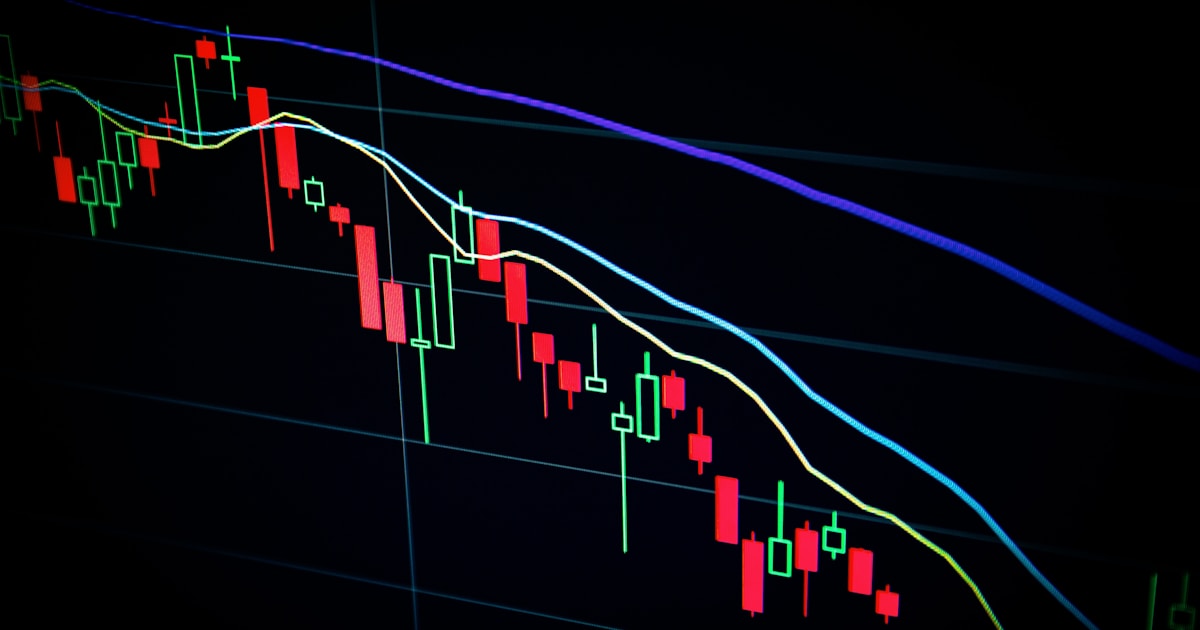
Bitcoin price support and resistance levels in 2026 have become crucial markers for traders and investors alike. With BTC fluctuating mostly between $95,000 and $105,000 this year, understanding these levels can help you anticipate price moves and protect your capital.
What strikes me here is how the Glassnode on-chain data shows decreasing volatility even as the price approaches key zones historically significant since 2024. If you want to learn how to identify these levels reliably, this practical guide will walk you through actionable steps using real-world tools and data.
📊 KEY DATA
$95,000 - $105,000
3.8%
56 (Neutral Zone)
210 EH/s
Step 1: Understand What Support and Resistance Really Mean for Bitcoin
Before diving into charts and tools, it’s essential to grasp the concept of support and resistance. Support is the price level where demand is strong enough to prevent the price from falling further. Resistance is where selling pressure exceeds buying demand, halting upward movement.
In Bitcoin’s context, these levels often correspond with psychological round numbers, historical highs/lows, and aggregated order book layers. For example, the $100,000 mark has acted as both support and resistance multiple times in 2026, making it a key level to watch.
Why They Matter
- They help set stop-loss and take-profit orders.
- Provide insight into potential breakout or breakdown points.
- Assist in risk management by defining entry and exit zones.
Step 2: Use Reliable Data Sources and Charting Tools
To identify Bitcoin price support and resistance levels, you need accurate, real-time data and robust charting platforms. I recommend these tools:
- Glassnode for on-chain metrics like realized price zones and supply distribution.
- TradingView for advanced charting, drawing support/resistance lines, and using technical indicators like RSI and volume.
- CoinMarketCap for price history and market capitalization context.
Integrating on-chain data with price action offers a comprehensive view. For example, Glassnode’s "Realized Price Bands" highlight clusters where long-term holders acquired BTC, often acting as support levels.
Step 3: Identify Support Levels Using Multiple Methods
Here’s how to pinpoint Bitcoin support levels:
- Look at historical lows and price reaction zones: Use TradingView to plot horizontal lines where BTC bounced multiple times in 2026.
- Analyze volume profile zones: Identify prices with high traded volume, indicating strong buyer interest.
- Check on-chain long-term holder cost basis: Glassnode’s cost basis data shows where holders have most of their coins, often providing price floors.
- Use technical indicators like RSI: RSI below 30 might signal oversold conditions near support.
Example Support Levels for 2026
- $95,000 — strong support from realized price bands and high-volume trading.
- $90,000 — psychological and historical bounce zone.
Step 4: Spot Resistance Levels with Price Action and Order Books
Resistance levels are trickier because they can shift quickly, but these methods help:
- Identify previous highs: Levels around $105,000 and $108,000 have capped rallies multiple times this year.
- Analyze order book depth: Use platforms like Binance or Coinbase Pro to see where large sell walls exist.
- Watch moving averages: The 50-day and 200-day moving averages often act as dynamic resistance zones.
Key Resistance Levels in 2026
- $105,000 — key psychological and technical resistance.
- $108,500 — previous high and sell-wall cluster.
Step 5: Avoid the #1 Beginner Mistake: Relying Solely on One Indicator
The biggest trap newbies fall into is trusting a single technical indicator or a single data source. For example, blindly following RSI without context can lead to false signals because Bitcoin’s unique on-chain fundamentals heavily influence price.
In my view, the best approach is to combine on-chain data, price action, volume, and technical indicators. This multi-layered analysis provides a more reliable picture of where support and resistance truly lie.
Also, remember to factor in macroeconomic events. The Federal Reserve’s monetary policy updates still impact BTC price volatility, even in 2026.
| Method | Advantages | Limitations |
|---|---|---|
| On-Chain Data (Glassnode) | Reflects real holder cost basis and supply distribution | Lagging by a few days, less useful for intraday trades |
| Technical Indicators (RSI, MA) | Widely used, provides momentum context | Prone to false signals in high volatility |
| Order Book Analysis | Shows real-time liquidity and price walls | Can be manipulated by large traders (spoofing) |
| Volume Profile | Reveals strong trading price zones | Requires good platform and experience to interpret |

Key Takeaways for Mastering Bitcoin Support and Resistance in 2026
- Combine multiple data sources like Glassnode, TradingView, and order books for accuracy.
- Focus on key psychological levels such as $95k support and $105k resistance.
- Use technical indicators as confirmation, not sole signals.
- Stay updated on macroeconomic news impacting BTC volatility.
- Practice drawing levels regularly to refine your chart-reading skills.
Following these steps will help you navigate Bitcoin’s price action in 2026 with more confidence and precision.
Stay Ahead of the Market
Get daily crypto analysis, price breakdowns, and on-chain insights from Bitcoin Fast Community — updated 4x daily.
Read All Analysis →Free Tool
Bitcoin ROI Calculator
Calculate the exact return on any Bitcoin investment since 2012 — and compare against S&P 500 and gold.
Related Crypto Guides
Frequently Asked Questions
Q: What are the main support levels for Bitcoin in 2026?
A: Key support levels for Bitcoin in 2026 are around $95,000 and $90,000. These levels are supported by high trading volume zones, realized price bands from Glassnode, and historical price bounces observed on TradingView charts.
Q: How can I use on-chain data to find support and resistance?
A: On-chain data platforms like Glassnode provide insights into where long-term holders have acquired Bitcoin (cost basis). These clusters often act as strong support or resistance depending on current price proximity. For example, realized price bands can highlight price zones where supply concentration suggests potential support.
Q: Which charting tools are best for spotting Bitcoin resistance levels?
A: TradingView is the most popular platform for identifying resistance levels thanks to its advanced drawing tools, indicators like RSI and moving averages, and integration with real-time order book data via linked exchanges like Binance and Coinbase Pro.
Q: Why is relying on a single indicator a mistake when analyzing Bitcoin price action?
A: Bitcoin’s price is influenced by a mix of technical, on-chain, and macroeconomic factors. Using only one indicator, like RSI, can generate false signals, especially during volatile phases. A multi-dimensional approach combining volume, order books, and on-chain metrics reduces risk of misinterpretation.
Q: How do macroeconomic events affect Bitcoin’s support and resistance?
A: Events such as Federal Reserve interest rate decisions or inflation data can cause sudden price moves, breaking established support or resistance levels. Staying informed through sources like federalreserve.gov helps anticipate volatility spikes that may invalidate typical chart patterns.